
You can use this guide to create a mailbox using the Client Management Portal.
First go to Products & Services (you must be logged in to use this link) and pick the appropriate hosting package.
Create a Mailbox
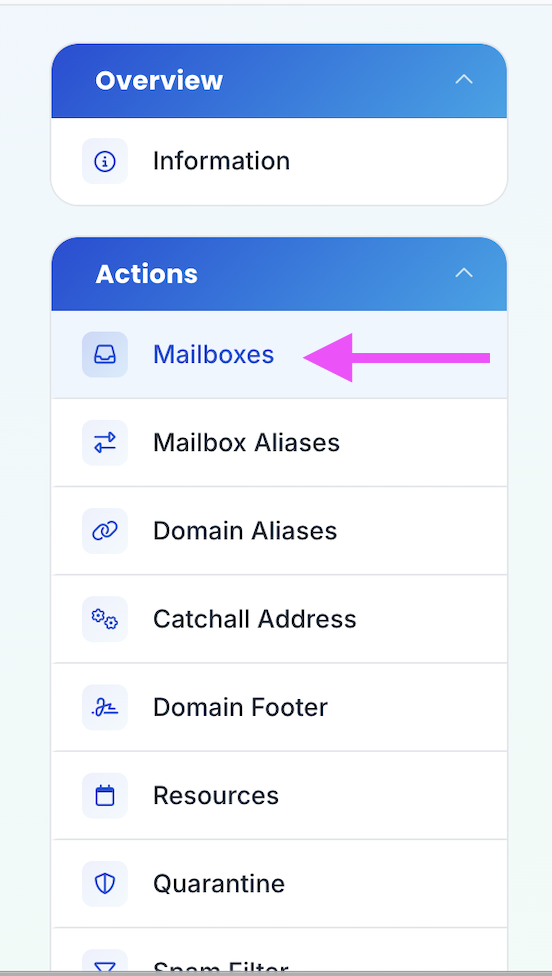
- Click on Mailboxes in the sidebar
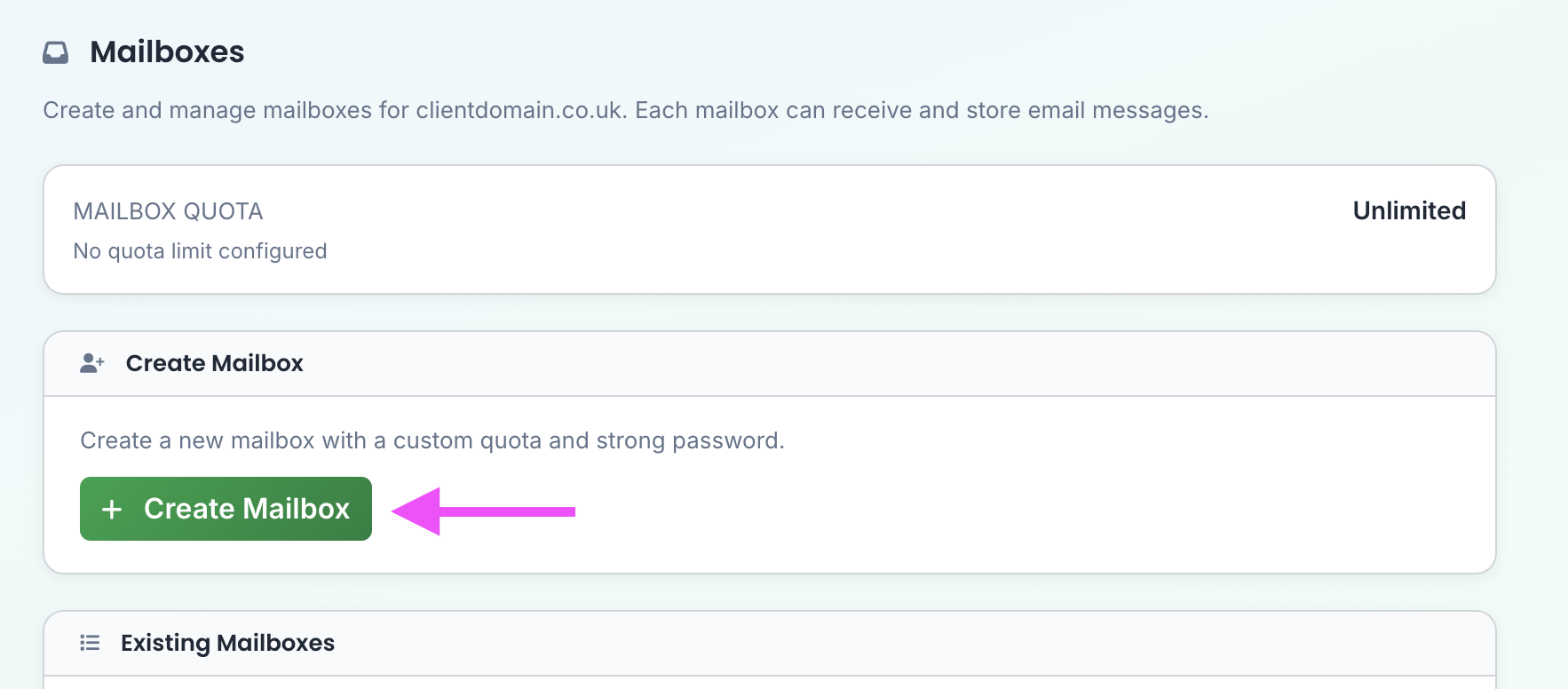
- Click + Create Mailbox
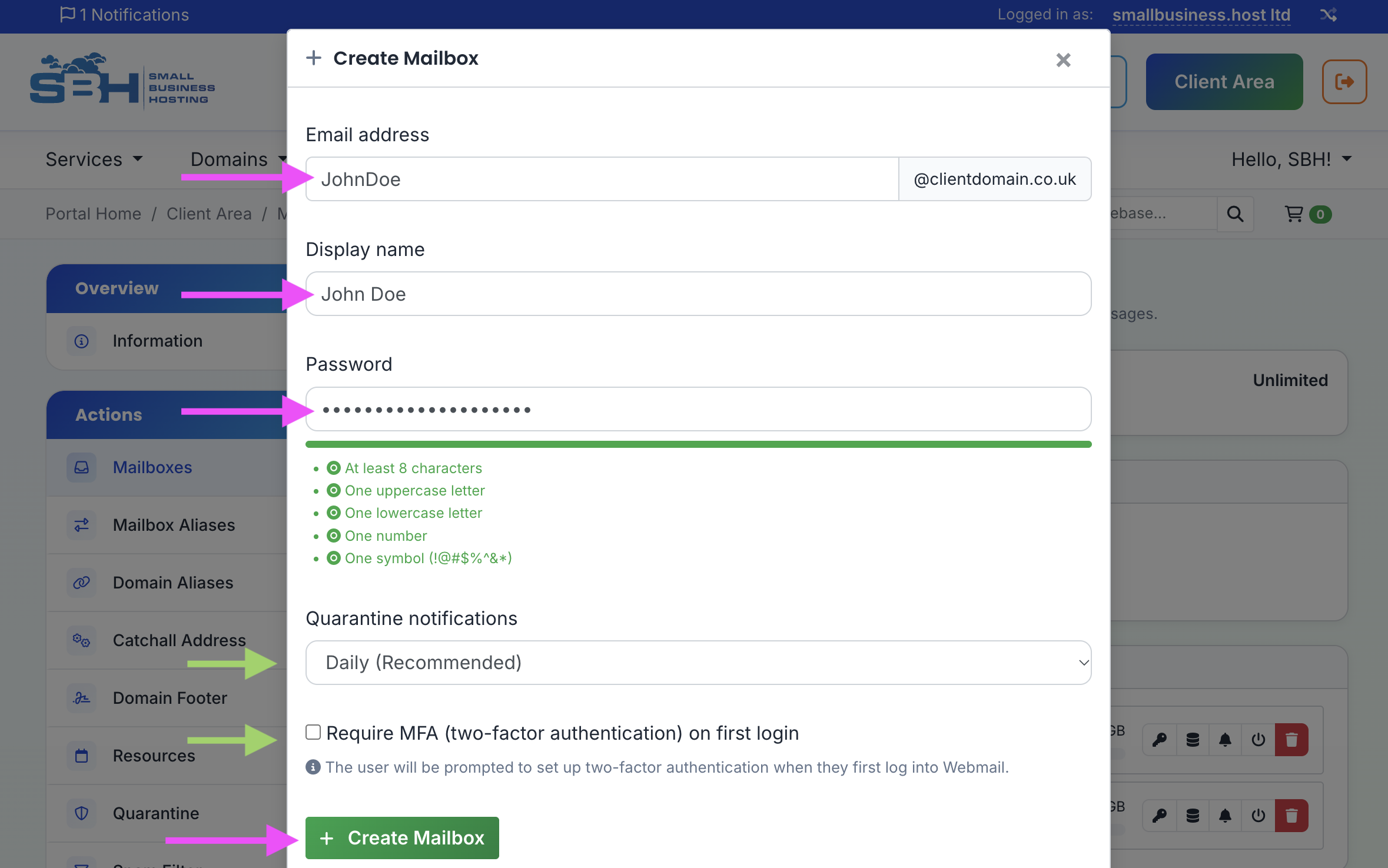
- Enter the mailbox details and pick a secure password, then click Create Mailbox
Next Steps
To access the account, see Getting Started with Small Business Email.
