You can use this guide to change a mailbox's password using the Client Management Portal. This is useful if the user has forgotten their password and does not have a password recovery email set up.
First go to Products & Services (you must be logged in to use this link) and pick the appropriate hosting package.
Change a Mailbox Password
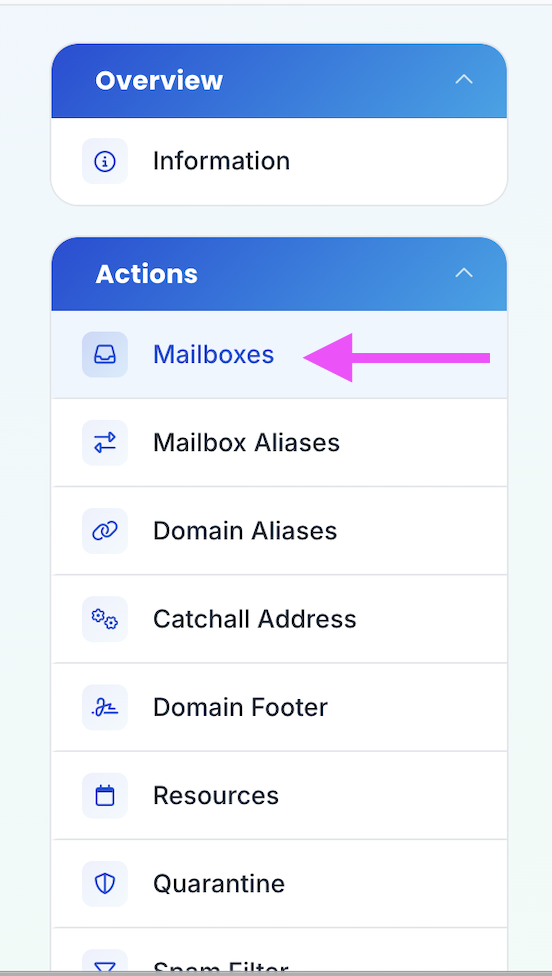
- Click on Mailboxes in the sidebar
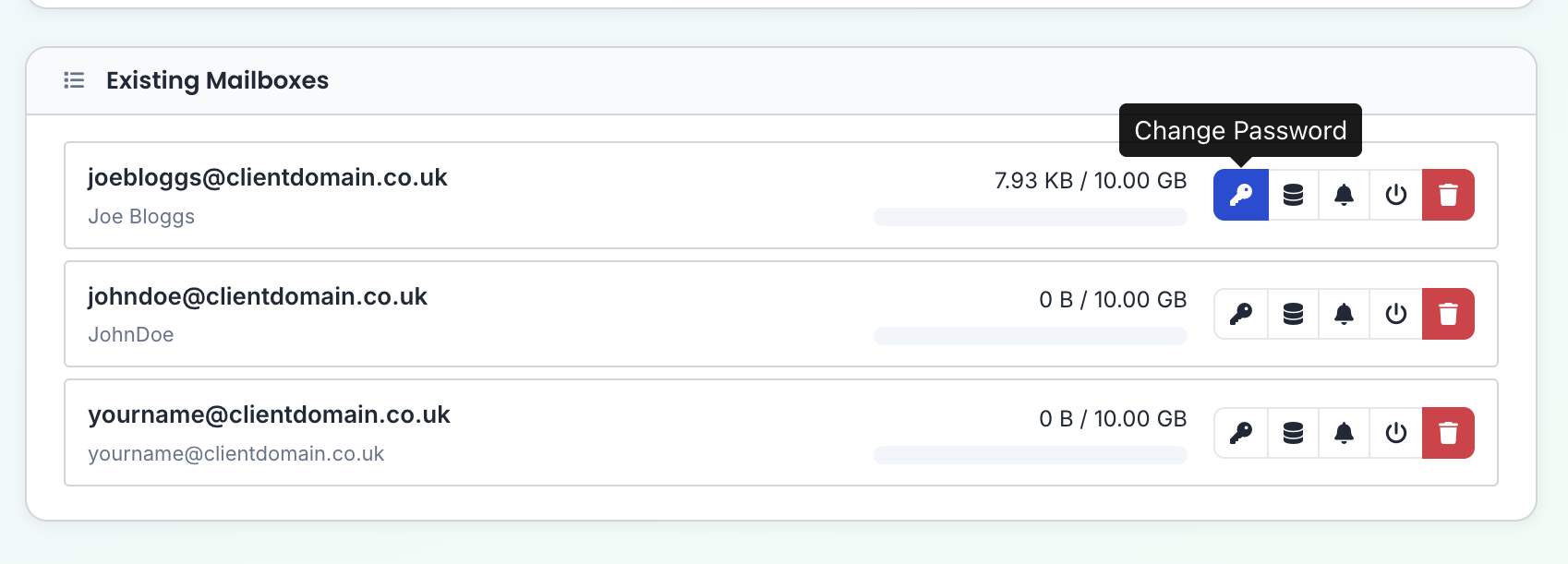
- Click the key next to the mailbox in question
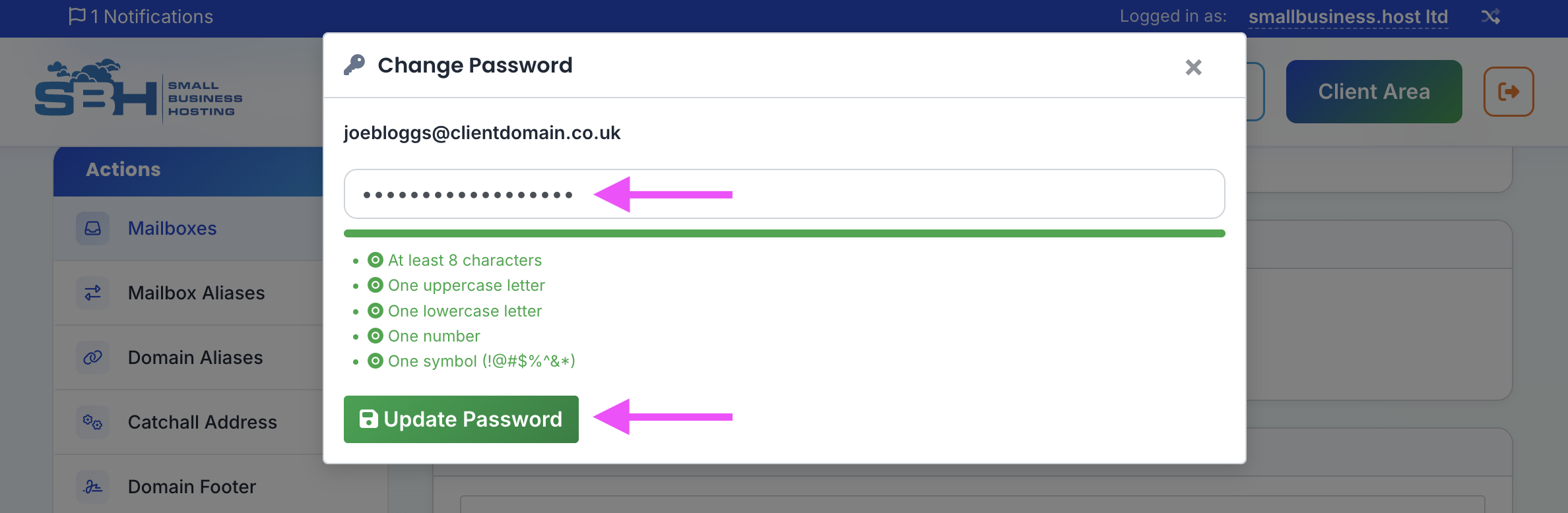
- Enter the new password, then click Update Password